Products | Fiber Systems | Rack Mount Housing | NGX Range
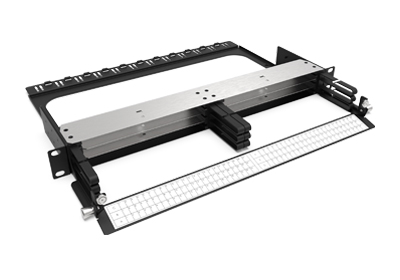
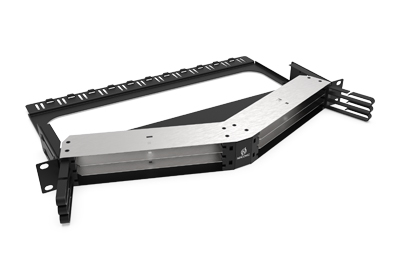
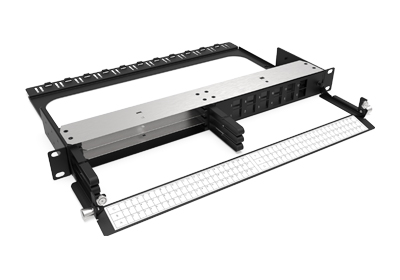
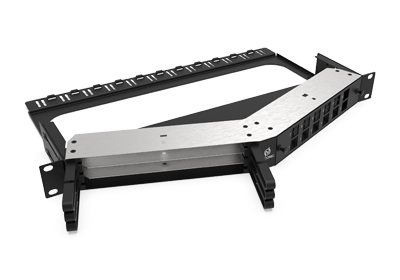
NGX SN® PATCHING CASSETTE - NGXPTSxx
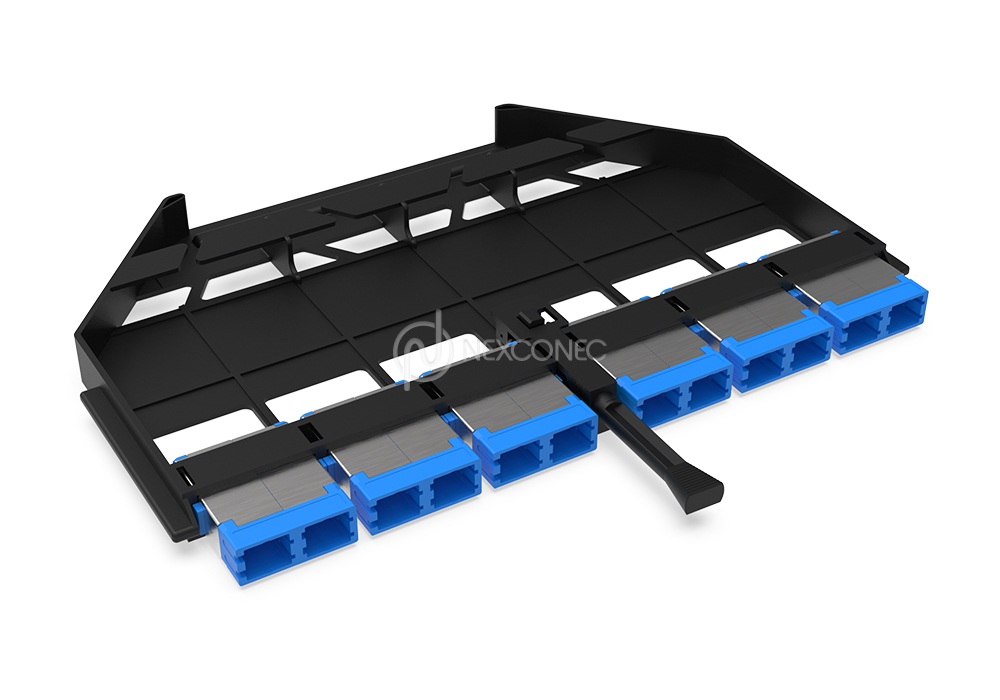
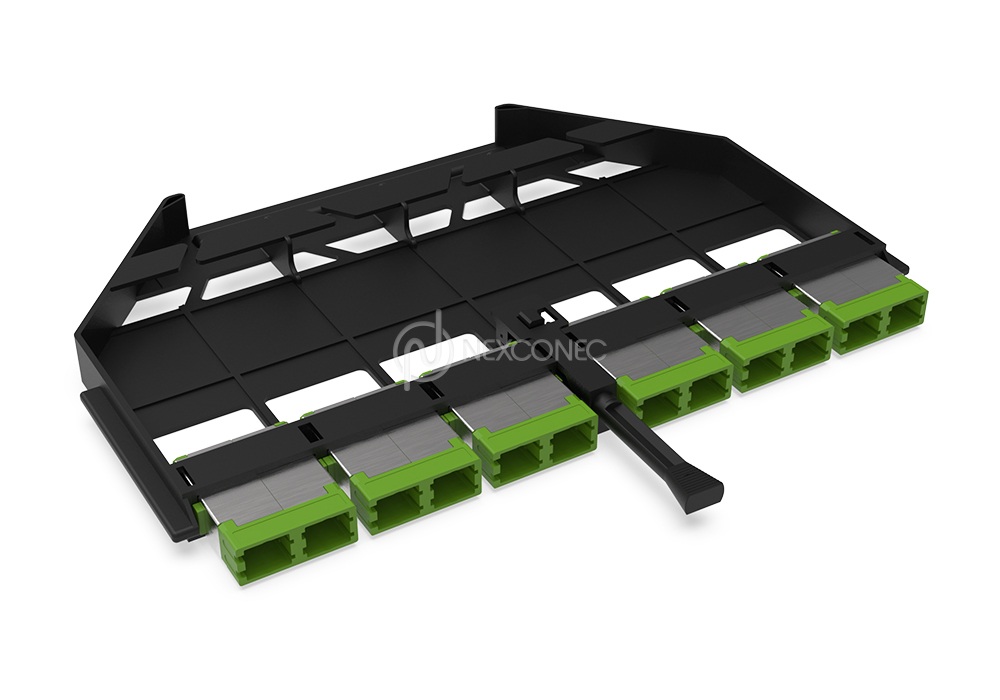
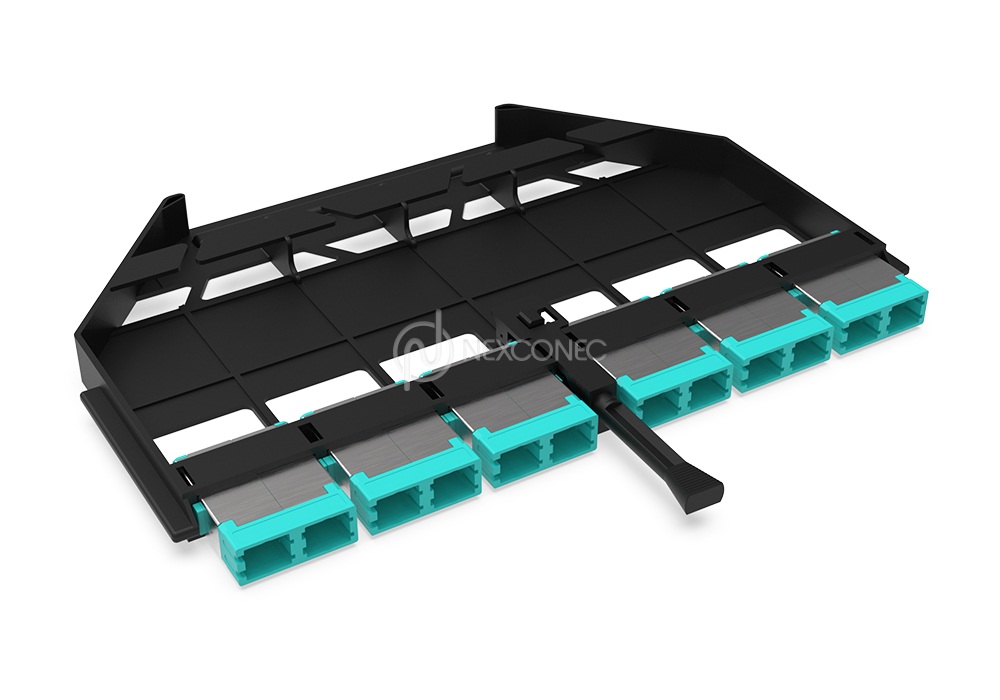
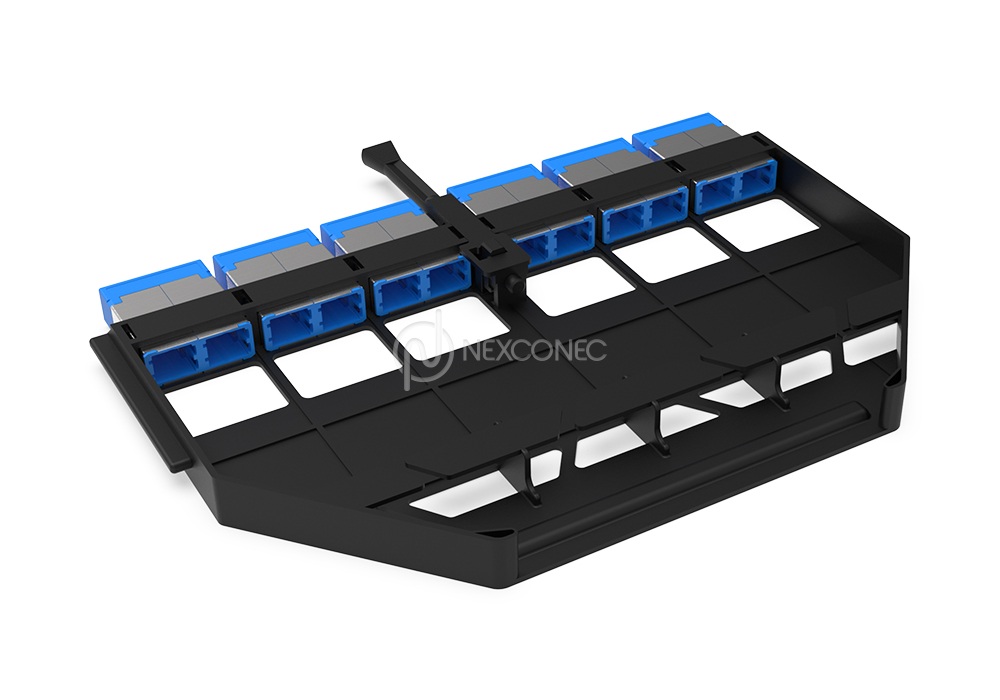
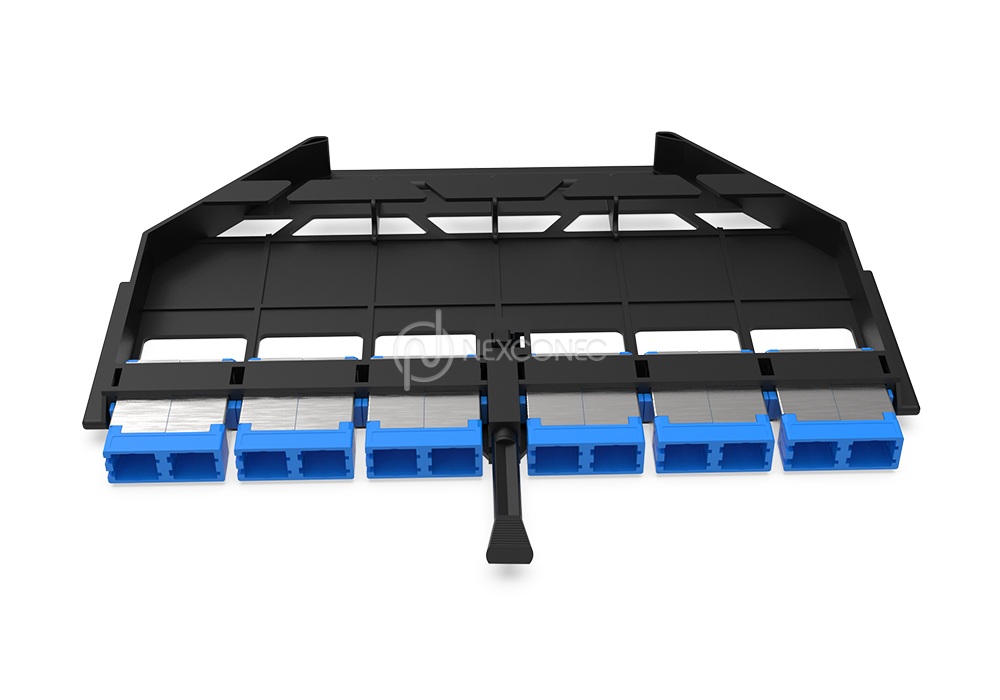
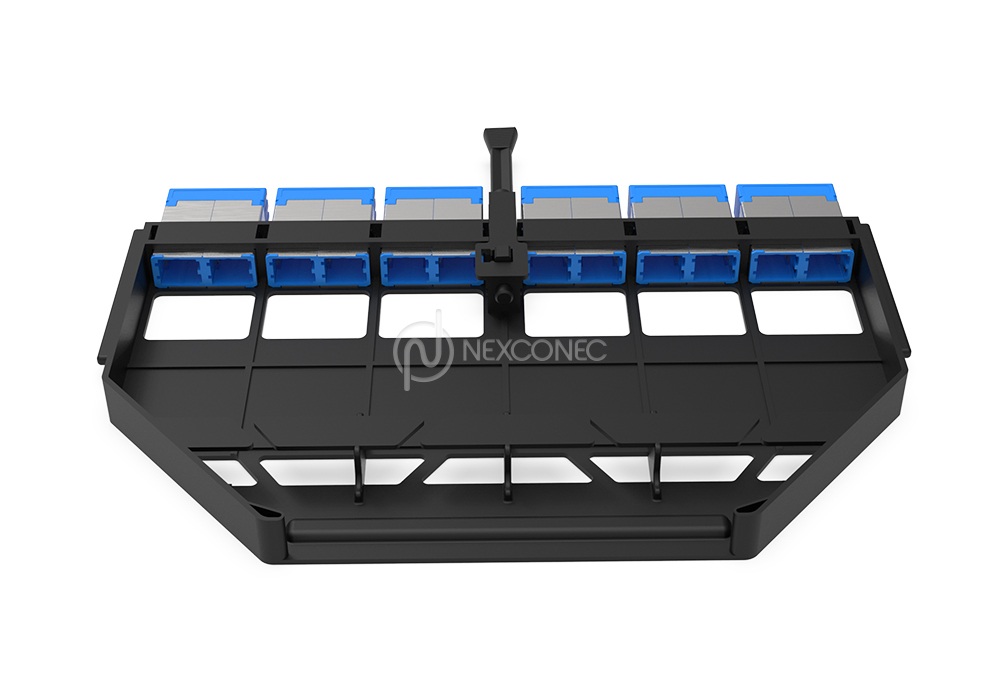
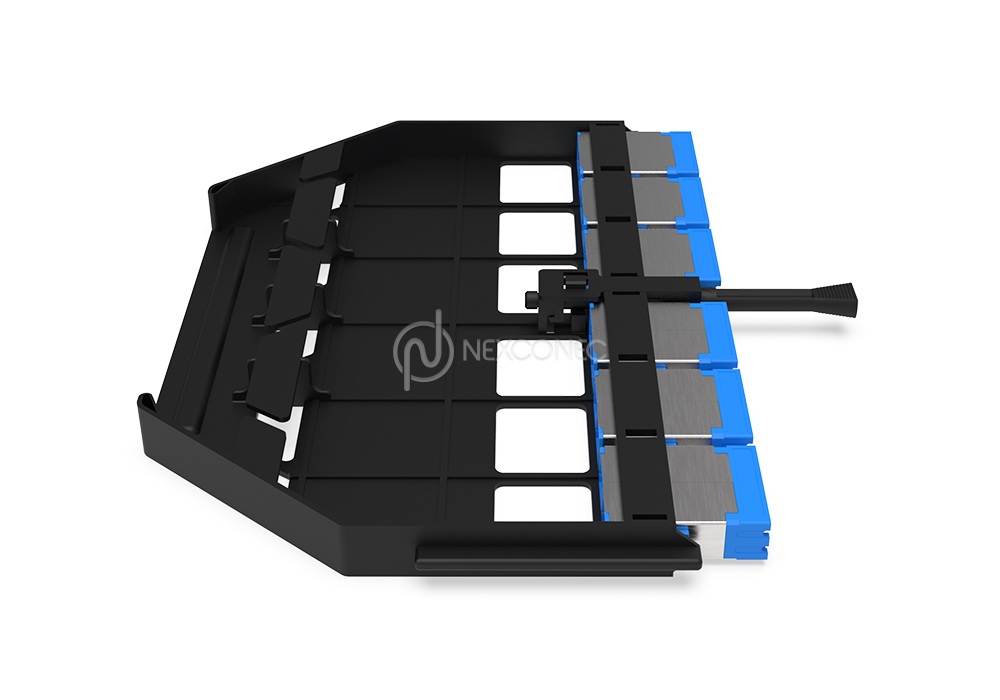
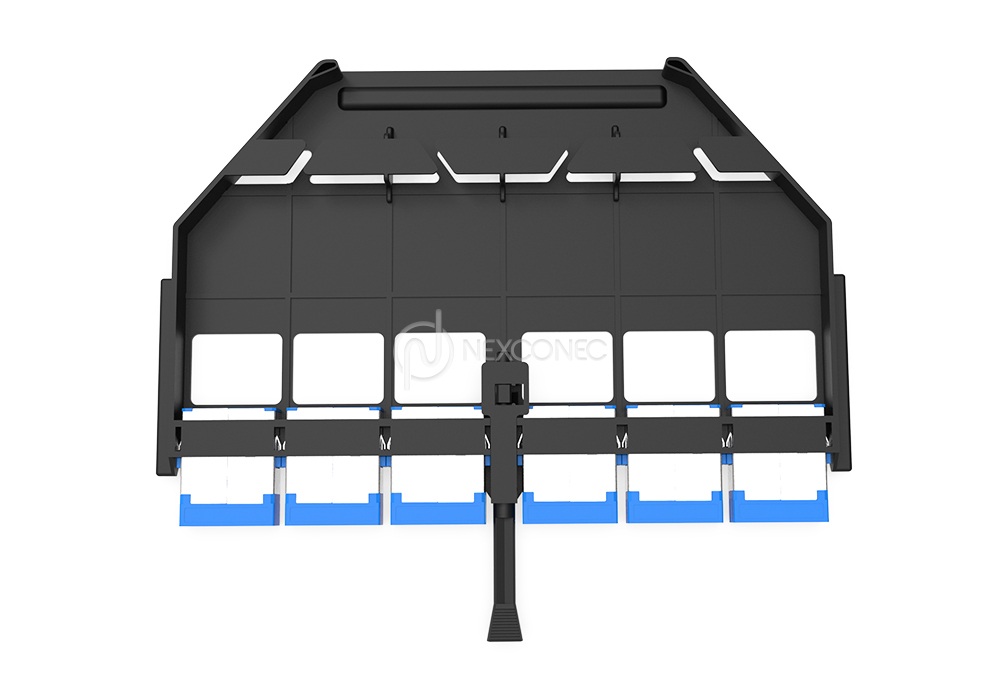
NEXCONEC® NGX SN® Patching Cassettes are engineered for direct assembly patching, removing the need for transitions or splicing to greatly reduce link loss. Preloaded with premium SN® adapters, they deliver secure, high-performance connections every time.
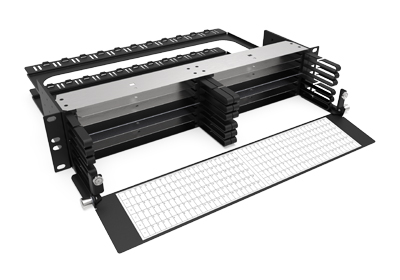
Designed for ultra-high-density applications, each cassette supports up to 288 fibers (6 x 48F) within a compact 1U footprint when fitted into the NGX 1U 6-slot chassis, providing an optimal solution for maximizing fiber capacity in limited rack space.
PRODUCT HIGHLIGHTS
- Conform to IEC, EIA-TIA, and Telcordia performance requirements
- Preloaded with high-performance SN® adapters
- Available in standard Single mode and Multimode options
- RoHS, REACH & SVHC compliant, Materials Conflict compliant
- Supports SFP, QSFP, CFP applications

FEATURES
- Conform to IEC, EIA-TIA, and Telcordia performance requirements
- Preloaded with high-performance SN® adapters
- Available in standard Single mode and Multimode options
- RoHS, REACH & SVHC compliant, Materials Conflict compliant
- Flame retardant PC+ABS material
APPLICATIONS
- Telecommunication networks
- Data centers, Co-location DC
- LAN or Campus Wide Network
- Broadband network
- Supports SFP, QSFP, CFP applications
SPECIFICATIONS
| Parameters | Value |
|---|---|
| Footprint | NGX |
| Dimensions (WxDxH) | 191.20 x 116 x 12.60 mm |
| Material | PC+ABS |
| Housing Color | Black |
| Application | NGX Panels |
| Fiber Capacity | Up to 48FO |
| Adapter Type | SN® Four Channel 8F |
| Number of SN® Adapter Ports | 6 Ports |
| Compliance | RoHS, REACH & SvHC |
| Operating Temperature | -10 ~ +60°C |
| Weight | 0.25 Kg |
| Part Number | Product Description |
|---|---|
| NGXPTS01 | NGX Patching Module 48FO SN® SM Blue Adapters |
| NGXPTS02 | NGX Patching Module 48FO SN® SM Green Adapters |
| NGXPTS03 | NGX Patching Module 48FO SN® MM Aqua Adapters |
360° XR Viewer
Click & Drag to move through.
Scroll wheel to Zoom in/out.
Double click to Full Screen.
Press ESC to exit Full Screen.